Skip to content
Adaptive Software
  • How it works
  • Platforms
    • Windows PC
    • SteamOS & Linux
    • Mac · Beta
    • Nintendo Switch 1 & 2
    • Xbox
    • PlayStation
  • Pricing
  • Resources
    • Our story
    • Control Tester
    • FAQ
    • Help center
    • What's New
EN
  • 🇺🇸 English
  • 🇫🇷 Français
Download
Adaptive Software
EN
  • 🇺🇸 English
  • 🇫🇷 Français
PlayAbility Logo
EN
  • 🇺🇸 English
  • 🇫🇷 Français
How it works
Platforms
Windows PC SteamOS & Linux Mac · Beta Nintendo Switch 1 & 2 Xbox PlayStation
Pricing
Resources
Our story Control Tester FAQ Help center What's New
Download
  1. Home
  2. Supported platforms

Where will you use PlayAbility?

Choose your computer or console.
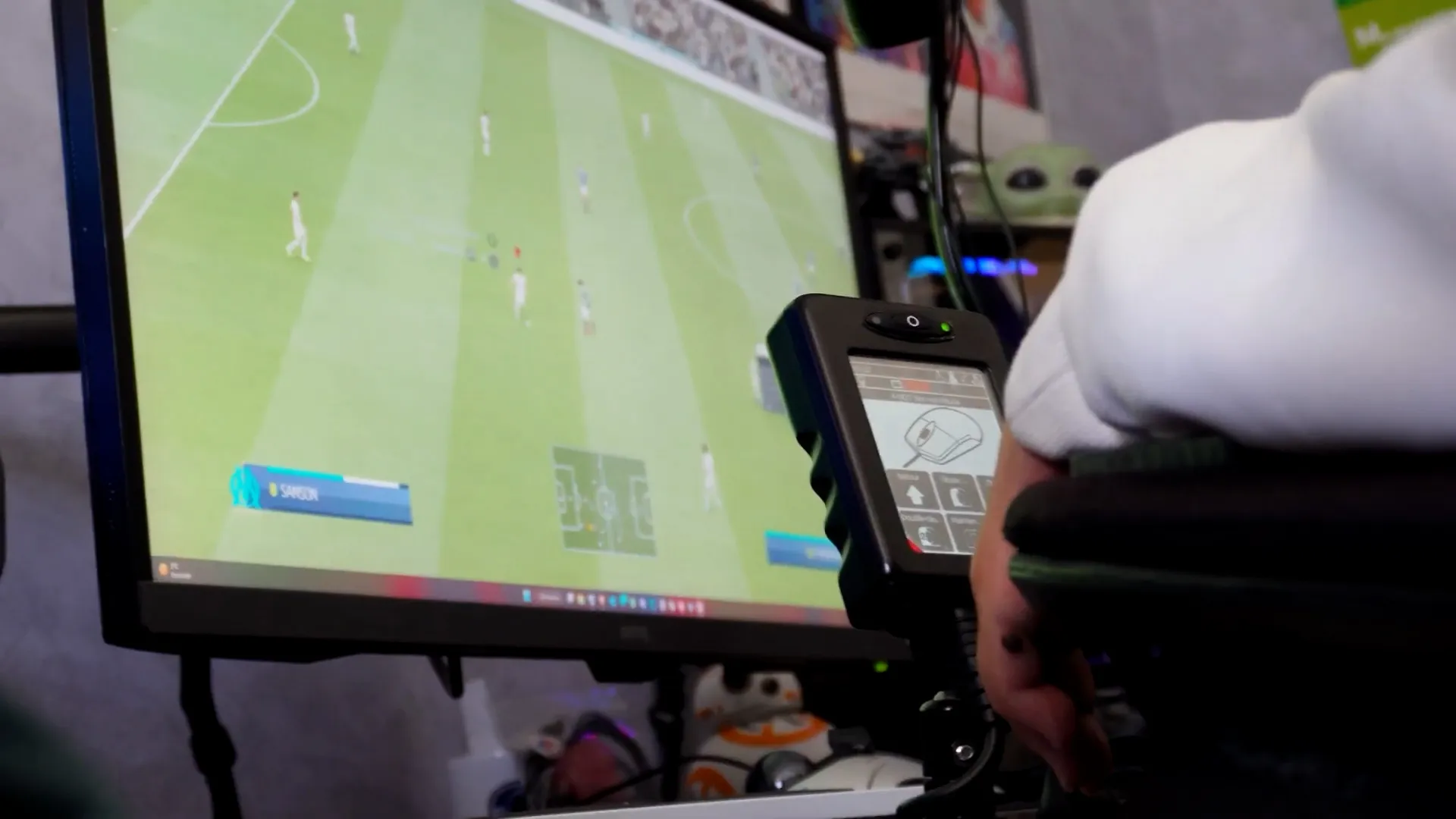
On your computer

Windows PC

Control everyday apps and games on Windows 10 and 11.

Explore PlayAbility for Windows →

Mac

Beta

Try PlayAbility on your Mac.

Explore the Mac beta →

SteamOS & Linux

Beta

Use controller and keyboard controls on SteamOS and supported Linux systems.

Check Linux compatibility →

On your console

Console connections require PlayAbility running on a Windows PC.
Nintendo Switch 1 & 2

Connect a Switch or Switch 2 with a Micro or Pico receiver.

See Switch connections →

Xbox

Play with an Xbox Adaptive Controller, Remote Play, or cloud gaming.

See Xbox connections →
PlayStation

Connect directly to PS5, or use Remote Play with PS4 and PS5.

See PlayStation connections →
PlayAbility Logo
Adaptive gaming Platforms Why PlayAbility Pricing FAQ Help center

© 2026 PlayAbility

Terms Privacy Cookies

Cookie preferences

First-party product analytics are always active. You can choose whether to enable Google Analytics and advertising cookies.

Cookie preferences

These services support the website and include our first-party PostHog product analytics.

Google Analytics helps us compare aggregated website traffic and acquisition campaigns.

Advertising pixels help us measure campaigns on services such as Meta and TikTok.